
Quick Answer:
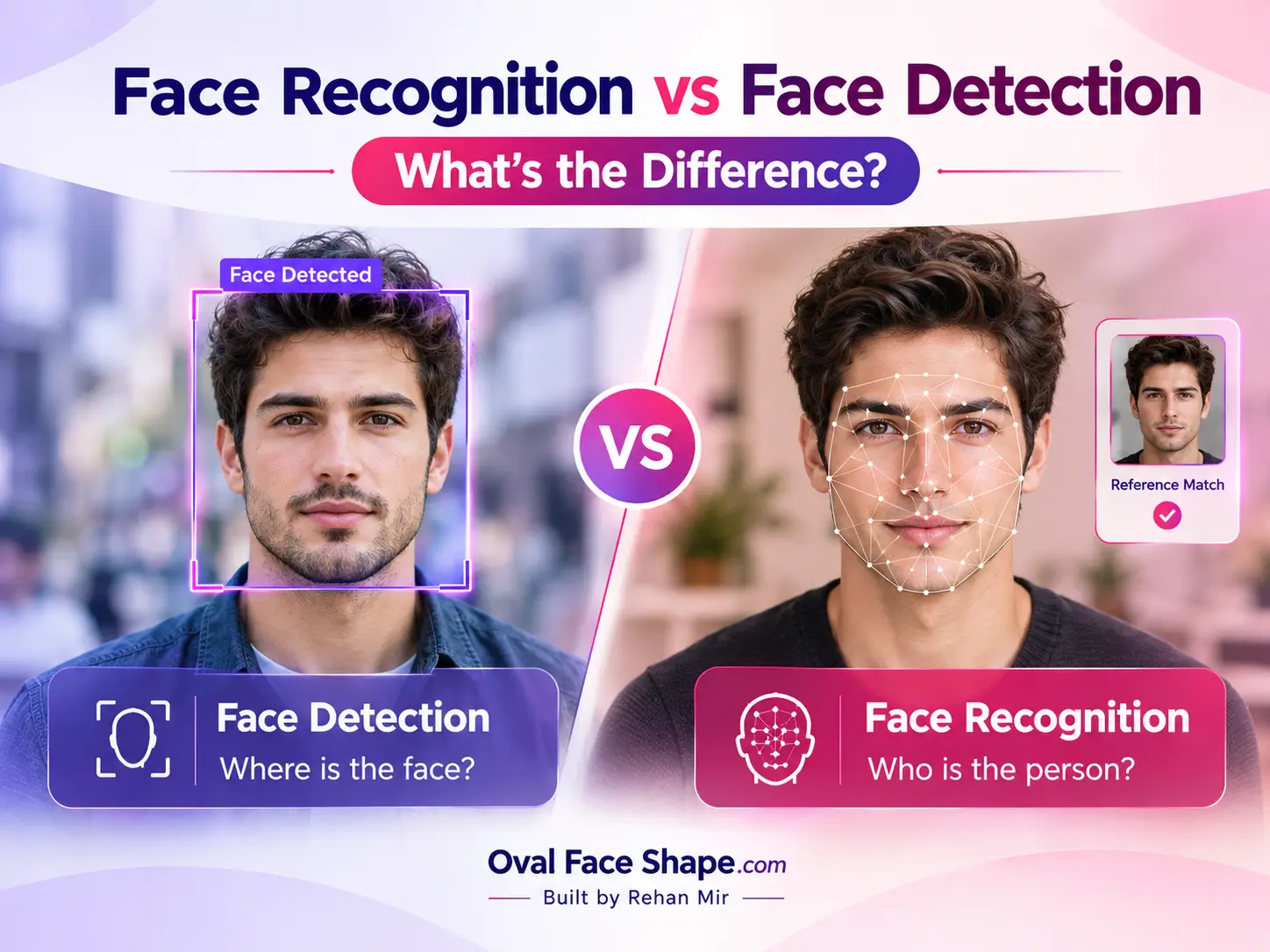
Face detection finds where a face is in an image. Face recognition compares a face with stored ones to verify or identify a person. Detection comes first and never says who someone is.
Face recognition vs. face detection comes down to one question: “Is there a face here?” or “Whose face is this?” Face detection is a computer vision task that locates faces in an image or video. Face recognition is a biometric task that compares a detected face with stored face templates to verify or identify a person. Facial landmarks, face analysis and face shape tools are separate steps built on detection.
By Muhammad Rehan Iqbal, Founder and Developer of OvalFaceShape.com, specializing in face shape analysis, interactive facial assessment tools, and educational styling guides.
Who this guide is for:
People who use phone unlock, photo apps or face search tools, and anyone choosing a face shape scanner who wants to know whether it identifies them.
Face Detection vs Face Recognition at a Glance
| Face detection | Face recognition | |
|---|---|---|
| Question | Is there a face, and where? | Whose face is this? |
| Output | Box, confidence score, sometimes landmark points | Similarity score, match, or yes/no |
| Needs stored faces? | No | Yes (a reference or a database) |
| Identifies a person? | No | Yes, or confirms a claimed identity |
| Everyday example | Camera focus box, video filters | Phone unlock, photo grouping, border control |
| Quality measured by | Missed faces, false detections | False match and false non-match rates |
| Privacy and legal exposure | Usually lower | Higher |
Five Capabilities People Mix Up
| Capability | Question | Typical output | Identifies someone? |
|---|---|---|---|
| Detection | Where is a face? | Bounding box | No |
| Landmarks | Where are the eyes, lips, jawline? | Points or contours | No |
| Face analysis | What is the expression, or the face shape? | Labels or scores | No, but can be sensitive |
| Verification (1:1) | Is this the person they claim to be? | Score and decision | Confirms a claimed identity |
| Identification (1:N) | Who in this collection looks like this face? | Ranked candidates | Possible match |
What Is Face Detection?
Detection locates faces and returns a position, usually a box. The classic method is the Viola-Jones cascade from 2001, and modern systems use neural networks. Some detectors also return landmark points on the eyes, nose, mouth and jawline.
Google’s ML Kit documents face detection as locating faces and features, and says it does not recognize individuals. MediaPipe’s Face Landmarker returns landmark coordinates that developers use for filters and avatars.
A video system may also assign a temporary tracking ID so an effect stays attached to one face across frames. That label is not a real-world identity. To see how landmark points work, read our facial landmarks guide.
What Is Face Recognition?
Recognition turns a face into a numerical template, also called an embedding, and compares it with another. The system scores their similarity and applies a threshold to decide. It works in two modes:
- Verification (1:1): compares a face with one reference. Phone unlock is the everyday example.
- Identification (1:N): searches many stored faces and returns candidates. Investigations and face search tools work this way.
A match is a score above a chosen threshold, not a certainty. Recognition also does not prove a live person is present. Liveness or presentation-attack detection (the ISO/IEC 30107 family of standards) is a separate check that stops printed photos and screen replays.
Explore our science-based guides on the Face Symmetry Test, Eye Spacing Ratio, and AI Face Shape Analysis to understand facial proportions and discover how facial analysis works.
How Detection Feeds Recognition?
Most recognition systems follow a similar sequence, though designs vary:
- Detect the face in the frame.
- Align and crop it, often using landmarks.
- Encode it as a template.
- Compare it with stored templates.
- Apply a threshold: match or no match.
A poor bounding box or bad alignment weakens every later step. That is why detection quality affects recognition accuracy.
Face Recognition Systems You Already Use!
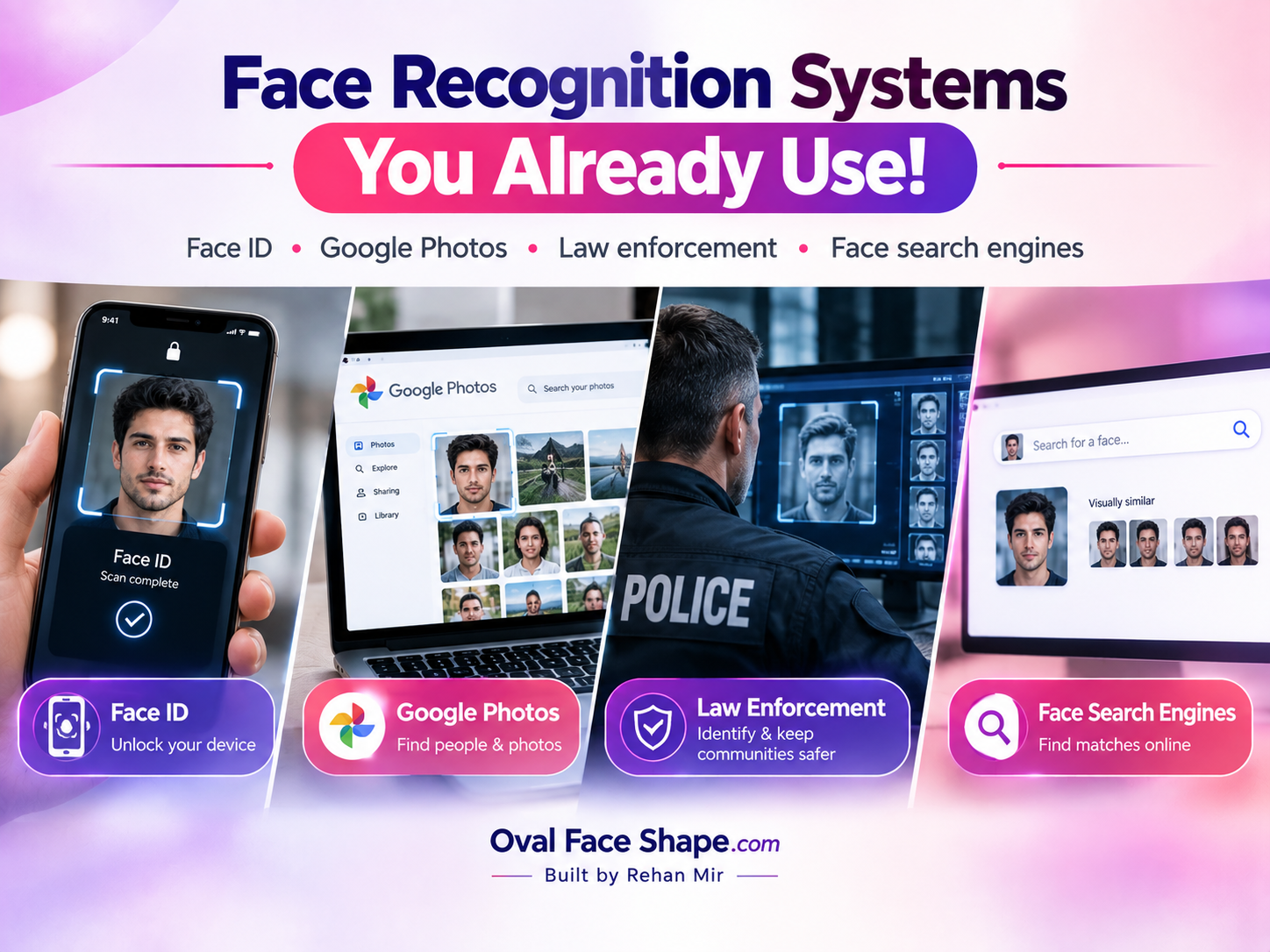
Apple Face ID is verification. The TrueDepth camera builds a depth map that is compared with enrolled data in the Secure Enclave. Apple states a random-person false-accept probability below 1 in 1,000,000, against 1 in 50,000 for Touch ID.
Apple notes the chance rises for identical twins, close siblings and young children. These are vendor figures, not independent tests, and both methods fall back to a passcode.
Google Photos groups similar faces within your own library. This is clustering inside your account, not a tool for naming strangers, and turning the feature off deletes the face models.
Law enforcement uses identification. A 2016 US Government Accountability Office review described the FBI’s Interstate Photo System as searching more than 30 million photos and returning candidates as investigative leads. The scale has likely changed since.
Face search engines such as PimEyes compare an uploaded face with faces indexed from public web pages and return links. PimEyes says it does not identify individuals, and critics raise stalking and surveillance concerns. Search only your own face, or someone who has agreed.
How Accurate Is Face Recognition?
Accuracy depends on the task, the data and the threshold. NIST’s Face Recognition Technology Evaluation (FRTE, formerly FRVT) tests 1:1 verification and 1:N identification separately and reports error rates, not a single “accuracy” number. Two errors trade off:
| Error | Meaning | Effect of a stricter threshold |
|---|---|---|
| False match (FMR) | Two different people judged the same | Falls |
| False non-match (FNMR) | The same person judged different | Rises |
Raising the threshold stops more impostors but locks out more genuine users. A claim like “99% accurate” is incomplete without naming the task, the test images and the error measure.
NIST’s 2019 demographic study (NISTIR 8280) found one-to-one false-positive rates for Asian and African American faces often 10 to 100 times higher than for Caucasian faces, depending on the algorithm. Some algorithms developed in Asia showed no such gap for Asian faces. Treat matches as leads or scores, not proof.
Privacy and the Law
Recognition creates biometric templates that can link a face to an identity, so consent, storage and retention matter most there. Under GDPR Article 9, biometric data processed to uniquely identify a person is special-category data.
Recital 51 says photographs count as biometric data only when processed by technical means that allow unique identification. Illinois’ BIPA regulates face-geometry scans. The EU AI Act prohibits building facial recognition databases through untargeted scraping of facial images.
Detection alone is usually lower risk, but not risk-free. The photo may still be uploaded to a server or logged. A template is numbers rather than a picture, yet it can still be used for matching. Law varies by country, so this is not legal advice.
Where Face Shape Tools Fit?
A face shape detector is a detection-and-landmark tool. It locates your face, measures proportions such as length against cheekbone width, and maps them to a category like oval or oblong. It does not ask who you are. Our Face Shape Detector uses MediaPipe’s landmark model in your browser.
Before using any face tool, ask three questions:
- What does it output? A shape label, a 1:1 match or a search across people?
- Where is the image processed? In your browser, on your device, or on a server after upload?
- What is kept? The photo, the points, a template or nothing?
If the privacy notice doesn’t answer these, treat the tool with caution.
Key Takeaways
- Detection finds faces. Recognition verifies or identifies people.
- Recognition depends on detection working first.
- Face ID is 1:1 verification. Face search is 1:N identification at web scale.
- Accuracy is task-, threshold- and dataset-specific, and error rates vary by group.
- Detection alone identifies no one, but where the photo goes still matters.
- Face shape tools use detection and landmarks, not recognition.
Next step:
Run the Face Shape Detector on your own photo to see detection at work, or compare shapes in our types of face shapes guide.
FAQs
Is face recognition 100% accurate?
No. NIST reports error rates above zero that vary with image quality, algorithm, threshold and demographic group. Treat matches as leads or scores, not proof.
Does the FBI use facial recognition?
Yes, through its Next Generation Identification Interstate Photo System and FACE Services Unit. A face search alone is not a positive identification, and results are reviewed manually by trained examiners.
What is the difference between Face ID and face recognition?
Face ID is one product built on face recognition. It does on-device 1:1 verification with a depth camera. Face recognition is the wider technology and also covers 1:N identification.
Which is better, Face ID or a fingerprint sensor?
On Apple’s own figures, Face ID has lower false-accept odds (under 1 in 1,000,000 versus 1 in 50,000). “Better” still depends on the device, conditions and threat model. Both fall back to a passcode.
Can face detection work without identifying anyone?
Yes. Detection only locates faces and landmarks. Identification needs stored faces to compare against.
Is face detection biometric data?
Usually not on its own. Under GDPR, biometric data means processing that enables unique identification. A box around a face doesn’t, but a template built for matching does. Rules differ by jurisdiction.
Are free online face search tools safe?
It depends. Check where your photo is stored and for how long, and use only your own face or one you have consent for. PimEyes states it keeps search images for a maximum of 48 hours.