
Quick Answer:
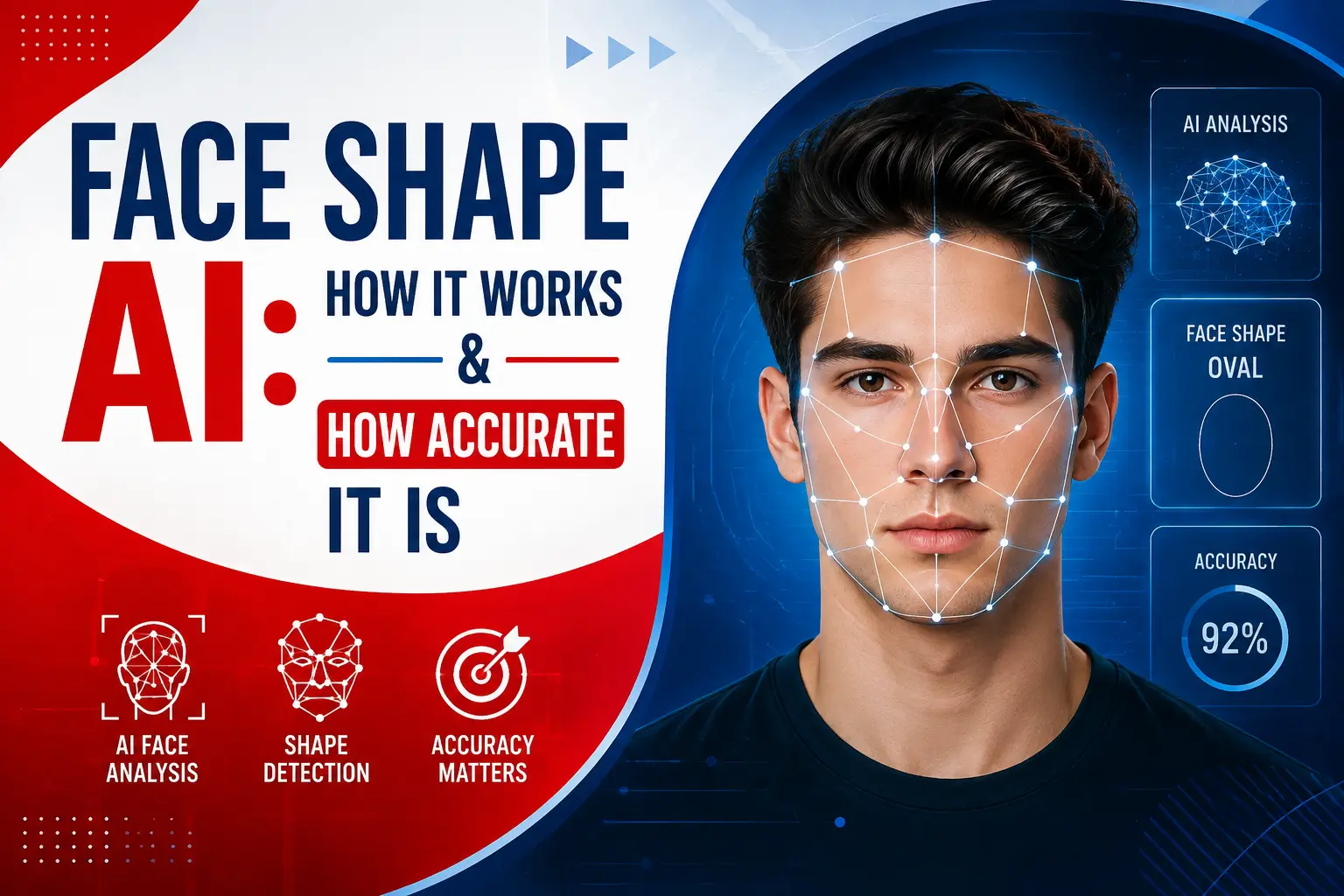
Face shape AI tools map facial landmarks (68–478 points) and compare forehead, cheekbone, and jaw width against face length to classify your shape. Accuracy depends on landmark count, photo quality, and training data.
“Face shape AI” describes any tool that uses computer vision — not a human eye or a quiz — to classify a face into a category like oval, round, square, heart, diamond, or oblong. Instead of asking you questions about your jawline, the software finds specific points on your face and does the math itself.
This matters most if you’re about to upload a photo to a tool like the Face Shape Detector on OvalFaceShape.com and want to know what’s actually happening behind the scenes, or if you’ve gotten two different answers from two different apps and want to know why.
How AI Actually Detects Face Shape?
Every AI face-shape tool starts the same way: it finds “landmarks” — fixed reference points along your jaw, cheekbones, forehead, and chin. Older systems like the Dlib 68-point model use 68 of these points; newer systems built on Google’s MediaPipe Face Landmarker use 468 points across the full face surface, mapped in 3D.
More points mean a finer-grained outline of the face, but they don’t automatically mean a “better” classification — what matters just as much is which four measurements the tool pulls from those points: forehead width, cheekbone width, jawline width, and total face length.
The tool then converts those four measurements into ratios — cheekbone-to-length, jaw-to-forehead, and so on — and compares them against fixed thresholds for each shape category. This ratio-based approach is the same logic behind manual tape-measure methods; AI just automates the measuring and the math.
OvalFaceShape.com’s own Face Shape Detector is a working example of this. It runs Google’s MediaPipe Face Landmarker model directly in the browser, plotting 468 points across the face and comparing width and length ratios against set thresholds to return a shape label — the photo itself is never uploaded to a server, since the whole analysis runs on-device.
How Accurate Is AI Face Shape Detection?
Accuracy isn’t one fixed number — it depends on three things. How many landmarks the model uses, how clean the input photo is, and what data the model was trained or calibrated on.
Some detectors go further than raw landmark math. One tool, detect-face-shape.com, publicly grounds its ratio calculations in anthropometric standards published by Leslie G. Farkas — the same body of craniofacial measurement research (Farkas, 1994) that plastic surgeons and anthropologists have used for decades — and runs its classification on a Swin Transformer architecture (Liu et al., 2021), A computer-vision model type common in modern image classification.
Lighting, camera angle, hair covering the forehead or jaw, and even facial expression can all shift the landmark points enough to nudge a borderline face from one category into a neighboring one. This is why most careful detectors show a confidence score or the runner-up shape, rather than a single flat label.
Why Do Different AI Tools Give You Different Answers?
This is the question roundup articles rarely answer directly, and it comes down to three structural differences between tools:
- Landmark count — a 68-point Dlib model and a 468-point MediaPipe model don’t “see” the same amount of facial detail, so their ratio math won’t always agree.
- Threshold tuning — every tool sets its own cutoff for where “oval” ends and “oblong” begins; these thresholds are chosen by each developer, not standardized across the industry.
- Training/reference data — tools calibrated against different face datasets will draw category boundaries in slightly different places, especially for faces that sit between two shapes.
Want to understand how facial landmarks work and how they help analyze a face? Explore our complete guide for a clear, in-depth explanation.
None of this means the tools are broken — it means face shape itself is a spectrum, and any single label is a best estimate, not a diagnosis.
AI Detection vs. Manual Measurement vs. Quizzes
| Method | How it works | Best for |
|---|---|---|
| AI photo detection | Maps facial landmarks from a photo, calculates ratios automatically | Fastest, no tools needed |
| Manual measurement | You measure forehead, cheekbone, jaw, and length yourself with a tape | Most control, no camera required |
| Style quiz | Answers self-reported questions about your features | Quick gut-check, least precise |
Curious about the difference between face detection and face recognition? Read our complete guide to understand how these technologies work and how they differ.
Getting a More Reliable AI Read
A few habits make any AI face-shape tool more accurate: pull hair back off your forehead and jaw, use even front-facing lighting with no strong shadows, keep a neutral expression, and shoot straight-on rather than tilted or angled.
What to Do With Your Result?
Once you have a shape label — from OvalFaceShape.com’s Face Shape Detector or elsewhere — the next useful step is applying it. If your result comes back oval, the Oval Face Shape guide breaks down what that means in more depth.
From there, the Hairstyles by Face Shape and Glasses by Face Shape guides turn the label into concrete style decisions, and the Celebrity Face Shapes page is a useful comparison point if you want to see the category in action on recognizable faces.
Key Takeaways
- AI face-shape tools work by mapping facial landmarks (typically 68 to 468+ points) and comparing width-to-length ratios against set thresholds.
- More landmarks and named, cited methodology (like anthropometric standards or a documented model architecture) are better trust signals than a tool simply claiming to be “advanced AI.”
- Different tools can validly disagree — landmark count, threshold tuning, and training data all vary by developer.
- Photo quality (lighting, hair off the face, straight angle) affects AI accuracy more than which specific app you use.
- Treat the result as a starting point for styling decisions, not a fixed, permanent label.
FAQs
Is AI face shape detection actually accurate?
It’s generally reliable for a majority of faces, but accuracy varies by tool. Detectors that use more facial landmarks and clean, well-lit front-facing photos tend to produce more consistent results than quizzes or low-landmark models.
Is face shape AI still worth using in 2026?
Yes, for a quick, objective starting point. AI detection removes the guesswork of self-assessment, though it works best paired with a mirror check or manual measurement if you’re on a borderline shape.
Why did two different AI tools give me different face shapes?
Each tool uses its own landmark count, ratio thresholds, and training data, so borderline faces can land in different categories depending on the app. This is a structural difference between tools, not a sign either one is wrong.
Does an AI face shape detector store or upload my photo?
It depends on the tool. Browser-based detectors, like the one on OvalFaceShape.com, process the image on-device and never send it to a server — always check a tool’s stated privacy approach before uploading.
What’s the difference between an AI face shape detector and a face quiz?
An AI detector measures your actual facial proportions from a photo; a quiz relies on you self-reporting features like jaw shape or forehead width, which is far more subjective.
Can AI face shape detection replace a professional stylist’s judgment?
No — it’s a useful starting point, not a replacement. A stylist factors in hair texture, personal preference, and how a cut sits in motion, none of which an AI classifier measures.
What’s the most accurate way to find my face shape if I don’t trust AI results?
Manual tape measurement of your forehead, cheekbone, jaw, and face length, cross-checked against the same ratio ranges AI tools use, gives you a way to verify or challenge an AI result.